How to Lift On-Site Conversions with Klaviyo Sign-Up Forms
17 Jun 2025 · 4 min read
Stop Sending New Subscribers to Their Inbox
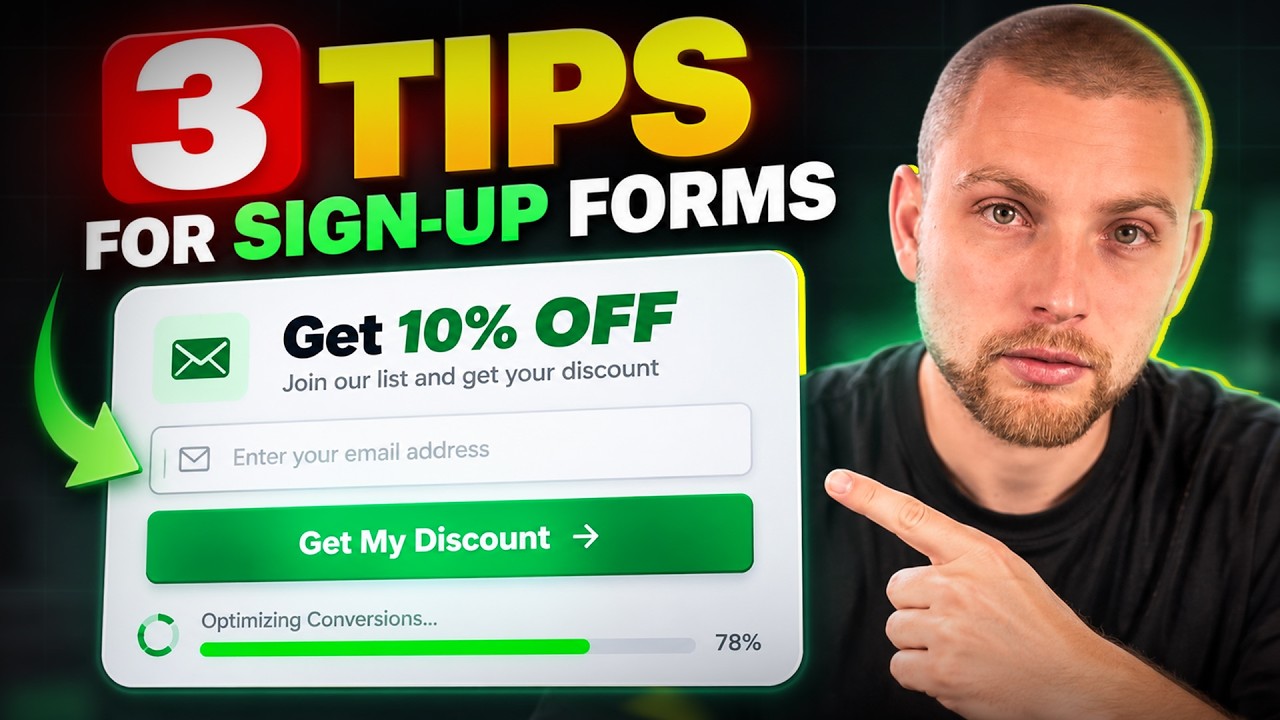
Most ecommerce sign-up forms are built backwards. A shopper lands on your store, enters their email address to claim a 10% discount, and gets hit with a message telling them to check their inbox. That is a mistake.
When you force a high-intent shopper off your site and into their inbox, you introduce friction right at the point of purchase. They open their email app, get distracted by three unread work emails and an Instagram notification, and forget about the cart they were about to build. You do not want them checking email; you want them giving you money.
The discount code must always live directly on the success screen of your sign-up form. Show the code instantly so they can copy it without leaving the browser, and give them a button that lets them continue shopping immediately.
Showing the code on the success step is step one. Removing the manual copy-paste step entirely is where you actually lift conversion rates. If you are running on Shopify, you can auto-apply the discount straight to the checkout session through a specific URL structure.
Set your primary call-to-action button on the success screen to redirect to your store using the Shopify discount link format:
Format:https://yourdomain.com/discount/YOURCODE
Example:https://yourdomain.com/discount/welcome10
When the shopper clicks that button, Shopify drops a cookie that automatically applies the discount at checkout. They browse your catalogue, add items to their bag, and see the saving already deducted when they hit the payment screen. It removes every barrier between opting in and placing the first order.
Separate Mobile and Desktop Forms
One thing I like to do on every client account is build completely distinct forms for desktop and mobile. Never rely on a single responsive form to handle both screen types effectively.
Desktop users have screen real estate and can handle larger visual assets, side-by-side imagery, and slightly longer copy. Mobile users need a clean, compact interface where the input field and submit button do not get pushed below the fold by an oversized header image or keyboard popups.
In Klaviyo, clone your main sign-up form and set the targeting settings so one shows exclusively on desktop devices and the other shows exclusively on mobile. Keep the mobile version stripped back and fast to dismiss, with large tap targets for the submit button.
What happens when someone opts in, gets the discount, but leaves the site without completing checkout? Most brands just send a standard welcome flow and hope for the best. We take it a step further on-site by setting up a dedicated flyout form.
In Klaviyo, create a secondary form styled as a bottom-right flyout. Configure the targeting rules with precise segmentation:
List membership: Show only to profiles in your main subscriber list.
Purchase history: Exclude anyone who has placed at least 1 order over all time.
Trigger timing: Display after 5 to 10 seconds on page, or on exit-intent.
This flyout acts as a subtle persistent reminder. It greets returning non-buyers with a clean message like, "Still thinking it over? Use code WELCOME10 for 10% off." Link the button to the same auto-apply discount URL. You reiterate the offer at the exact moment they are reconsidering a purchase.
Protect Your Margins on the Back End
I hear brand owners complain about giving away 10% margins on first purchases all the time. Here is the thing: the welcome discount is an acquisition cost, not your profit centre.
Roughly 80% of email marketing revenue generated for scaling ecommerce stores comes from your existing customer database. If sacrificing 10% on order number one lifts your on-site conversion rate by up to 5%, you win that margin back on the second, third, and fourth order through automated post-purchase flows and targeted campaigns.
If you want to push past $100,000 a month in revenue, you cannot afford to be stingy on the entry point. Bake the first-order discount into your unit economics and let your retention marketing do the heavy lifting later.
Final Thoughts
Increasing on-site conversion rates does not require a complete website redesign. By delivering discount codes immediately on your success screens, using auto-apply URLs, and running targeted flyouts for non-purchasing subscribers, you remove unnecessary friction from the buying journey. Make it effortless for people to buy from you, and your conversion numbers will reflect it.
Work With In-box
If you want high-converting popups, flyouts, and list growth strategies built and optimised for your store, take a look at our Sign-up Forms service to see how we help ecommerce brands scale.