Building the Unengaged Segment in Klaviyo
Before you send a single re-engagement email, you need to isolate exactly who is cold without catching recent subscribers in the net. An unengaged subscriber is anyone sitting on your list who has stopped opening your emails over an extended period. In my books, 90 days of total inactivity is the standard benchmark.
Head to Lists & Segments in Klaviyo and create a new segment called Re-engage Segment. Set the definitions to capture people who have opened an email zero times in the last 90 days, combined with a condition that they have received at least three emails over all time. That second rule prevents brand-new sign-ups from getting flagged before they have even had a chance to open your welcome flow.
You also need to decide whether to exclude past purchasers. If your reactivation offer has tight margins and you only want to convert prospects, add a filter for placed order zero times overall. If your goal is simply to win back as many dormant eyes as possible, regardless of whether they have bought before, leave order history off. For a standard list of around 1,800 dormant profiles, this clean filter gives you an accurate audience ready for reactivation.
Why Plain Text Beats Heavy Design for Cold Leads
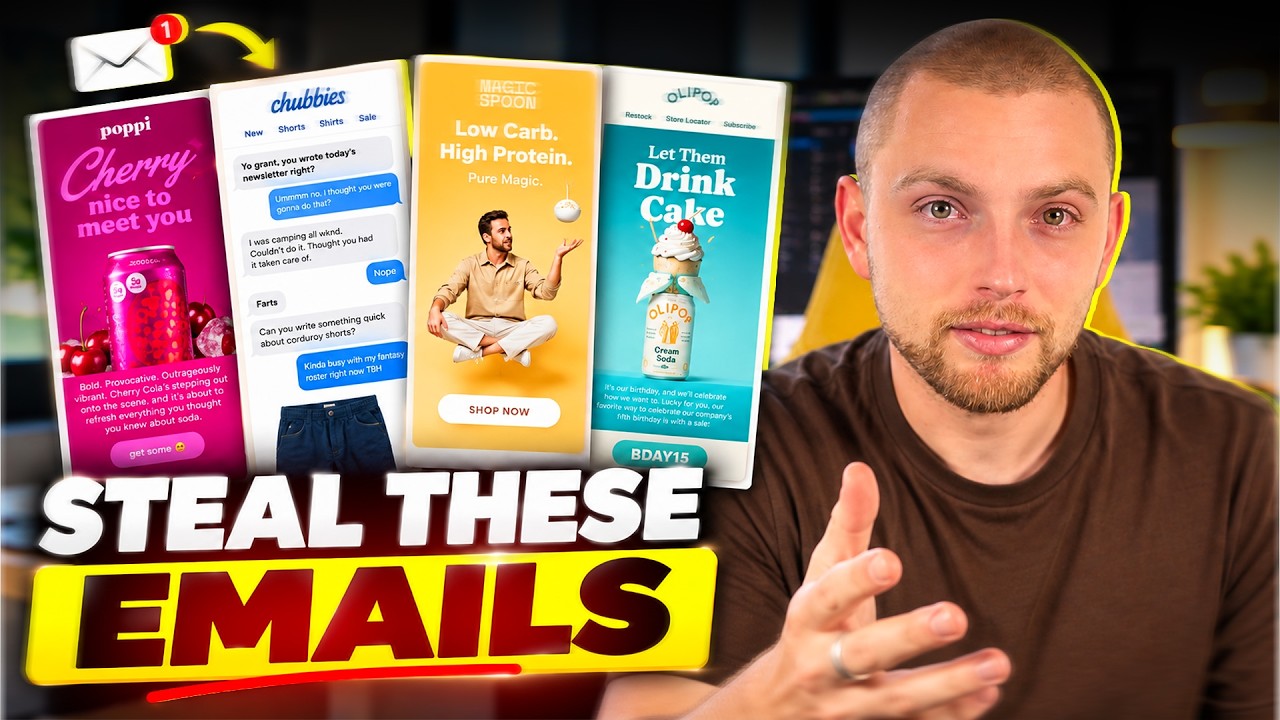
Designing a heavy graphic email for dead profiles is a waste of time. When subscribers stop interacting with your brand, inbox providers like Gmail and Yahoo begin routing your marketing emails toward the Promotions tab or Spam folder. Highly styled templates with large image payloads only make that inbox placement worse.
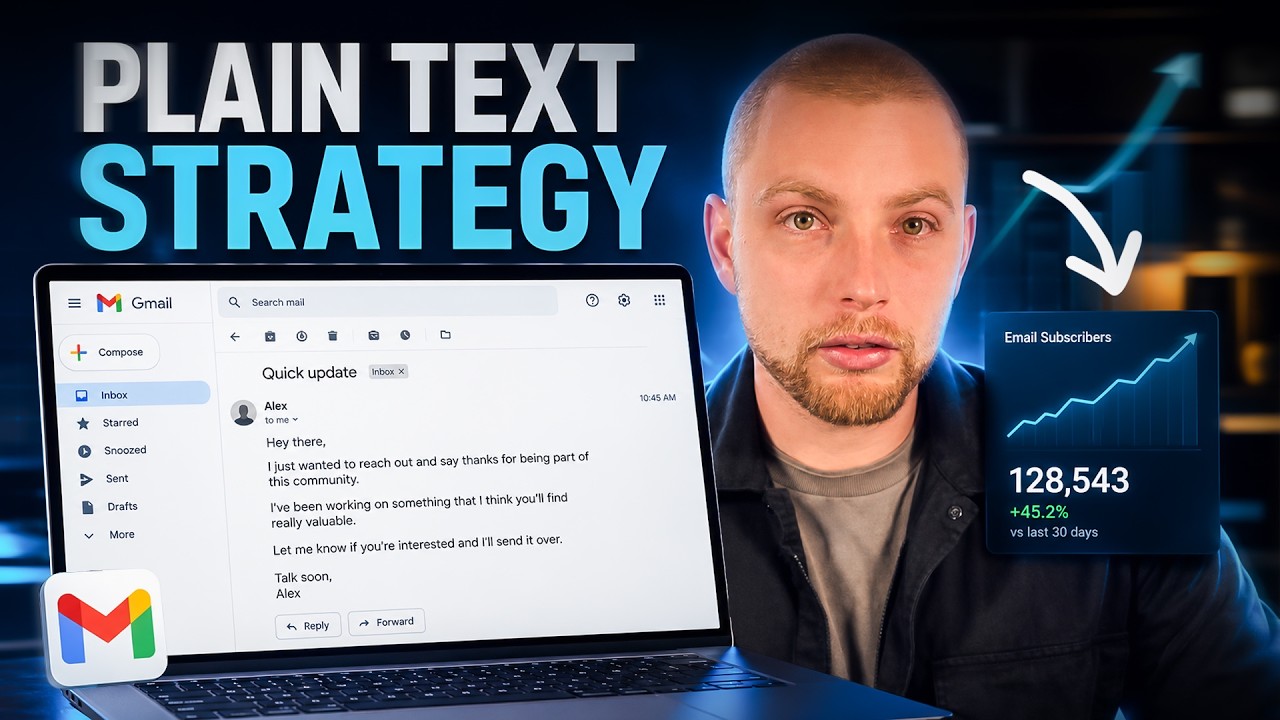
Plain-text emails, when used sparingly, bypass those visual filters and dramatically improve deliverability. They look like a genuine message from a real person rather than a scheduled broadcast. That plain format forces the recipient to focus entirely on the subject line and the direct offer in front of them.
One thing I like to do is set the sender name to an actual person rather than just the brand name. Sending from 'Gavin from In-box' or 'Joe from Core Pickleball' creates an immediate human connection. People open emails from people, not faceless corporate dashboards.
Structuring the First Re-Engagement Offer
Your first email needs a direct incentive with a hard deadline to drive action. A basic 20% discount works well across most ecommerce verticals. Keep the message concise, state the offer clearly in the first two sentences, and establish a firm 72-hour expiry window.
Here is what you need to include in the setup:
- A plain-text layout: Switch Klaviyo's email builder to the text-only editor and use standard formatting like Helvetica.
- An auto-apply discount link: If you are on Shopify, create a link that automatically applies the 20% voucher at checkout so customers do not have to copy and paste discount codes manually.
- Direct copy: Explain why you are reaching out, provide the voucher, and state the exact deadline.
- Smart Sending disabled: Turn off Smart Sending for this campaign. Cold subscribers may have received automated messages recently, and Smart Sending will block your reactivation push entirely.
Scheduling the 48-Hour Follow-Up
A single email will not catch everyone. People miss messages, get busy, or leave their inboxes unattended for days. That is why you clone the first campaign and schedule a follow-up email to land 48 hours later, exactly 24 hours before the 72-hour discount expires.
Duplicate your original plain-text campaign, adjust the copy to remind them that their 20% voucher is expiring tomorrow, and keep the same clean styling. Ensure Smart Sending remains turned off on this second send as well.
Because Klaviyo segments are dynamic, anyone who opened or clicked the first email within those 48 hours will automatically drop out of the unengaged segment. If you start with 1,800 dormant subscribers and 600 interact with email one, your second campaign naturally targets only the 1,200 who are still silent.
The 'Determine Recipients at Send Time' Setting
When scheduling campaign two, Klaviyo presents an important checkbox: Determine recipients at send time. How you handle this setting depends entirely on your primary objective for the campaign.
Here is how to decide:
- Focus on pure list cleaning and deliverability: Tick the box. Anyone who engaged with email one leaves the segment, meaning only completely dormant subscribers receive the reminder. You save your discount margin on engaged users.
- Focus on maximising revenue and conversions: Leave the box unticked. This locks in the original recipient list so that customers who opened email one but failed to complete checkout still receive the final 24-hour urgency nudge.
That is a tactical choice between margin protection and top-line sales. In my experience, if an account has suffered deliverability dips, keeping the box ticked protects your sender reputation while waking up stubborn inboxes.
Final Thoughts
Re-engaging cold subscribers does not require complicated multi-branch workflows or expensive creative assets. A tight Klaviyo segment, two plain-text campaigns sent 48 hours apart, and a compelling 72-hour offer will reliably wake up dormant profiles. Run this sequence once or twice a year to clean your list and extract revenue from subscribers you thought were lost.
Scale Your Campaign Strategy
If you want help designing, segmenting, and executing high-converting campaigns across your entire Klaviyo database, explore our dedicated Email Campaigns service to see how we manage broadcast revenue for growing ecommerce brands.