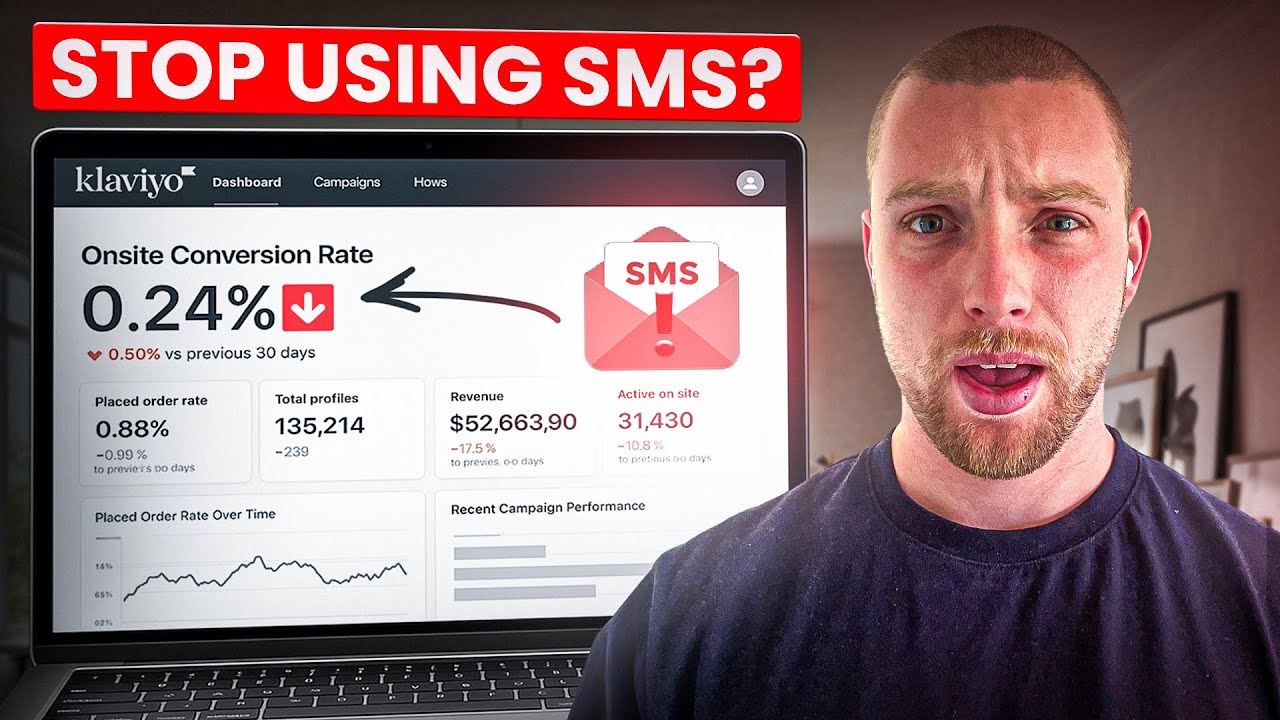
Most ecommerce brands butcher SMS from the very first touchpoint. They launch a sign-up form and ask for an email address and a phone number at the same time, or they stick SMS on a mandatory second step right before revealing the discount code.
When you demand a mobile number on your primary sign-up form, your submission rate can drop by roughly 50%. You are introducing massive friction at the exact moment a shopper is ready to browse. The primary goal of your first pop-up is not to gather every piece of data under the sun. The goal is to get their email, deliver the discount code immediately on the success screen, and get that first purchase across the line.
If a visitor bails on step two because they do not want to give away their phone number, they never see the discount code. You lose the email lead, you lose the phone number, and you lose the immediate sale.
The 3-day delayed capture method
Instead of forcing SMS upfront, you should capture it with a dedicated secondary form shown only to existing email subscribers. This protects your primary list growth while steadily building your SMS audience.
Here is how I set this up in Klaviyo. Build a separate pop-up that exclusively targets visitors who have opted into email marketing but have not yet opted into SMS. To avoid annoying your newest subscribers, build a segment rule so this form only appears after a delay:
Condition: Has subscribed to email marketing.
Condition: Has subscribed to SMS zero times overall.
Condition: Has subscribed to list zero times in the last 3 days.
That 3-day buffer ensures a new subscriber has enough time to use their initial welcome voucher without getting bombarded by another pop-up on their next page view. It makes giving you their number an easy, low-pressure decision.
Two other places to collect SMS consent
A delayed pop-up is not your only option for list building. You can build a high-intent SMS list by tapping into two other high-converting touchpoints in the customer journey.
1. Shopify checkout opt-in
Ensure your checkout settings include an explicit SMS marketing opt-in checkbox. Shoppers at checkout already have their wallets out and are entering their phone numbers for shipping updates anyway. Ticking a marketing consent box here feels natural and carries very little friction.
2. A dedicated welcome flow email
Add an email into your automated welcome series (usually around email four or five) that asks subscribers if they prefer VIP text alerts. Link that email directly to a dedicated mobile-friendly landing page with an SMS opt-in form. You are offering a clear channel preference to people who are already reading your emails.
The reality of SMS costs outside the US
Here is the thing about SMS marketing: it is not cheap. If you are operating in the United States, SMS fees are relatively low. But for brands in Australia, New Zealand, and the UK, sending text messages in Klaviyo can get expensive quickly.
Because of higher per-carrier fees, you cannot treat SMS like email. You cannot send weekly newsletters, educational tips, or long brand stories over text. A standard SMS segment is strictly limited to 160 characters. You cannot teach anyone anything useful in 160 characters without burning multiple credits per recipient.
If you blast your entire list with low-intent updates, you will quickly destroy your return on investment.
The only three SMS campaigns worth sending
To keep your SMS channel wildly profitable, restrict your manual campaigns to high-urgency, high-value events. In my books, there are only three campaign types you should ever send over SMS:
Site-wide sales: Black Friday, Cyber Monday, Boxing Day, or flash 24-hour promotions where timing matters.
Major product restocks: Alerting buyers when an out-of-stock best-seller is finally available again.
New product releases: Giving your VIP list early access to a limited run drop before the general public.
That is it. If an update does not fit into one of those three buckets, send an email instead.
Final Thoughts
SMS is a high-impact channel when used with restraint. Protect your on-site conversion rates by keeping your primary pop-up email-only, delay your SMS asks by at least 3 days, and only send text campaigns when you have urgent news that drives immediate revenue.
To see what this looks like for a real brand, read how ARRØ grew email revenue 5.25x in year one in our ARRØ case study.
Scale your SMS revenue with In-box
If you want to build a compliant, high-converting SMS strategy that works alongside your email automations to hit that $1M+ mark, explore our SMS campaigns service to see how we manage it for growing ecommerce brands.
How I set up SMS automations without over-messaging
I keep automated texts focused on the action someone has just taken. A new SMS subscriber, an abandoned checkout and a casual product view should not all get the same treatment.
For a dedicated SMS welcome flow, here is the setup I use:
Trigger the flow with Subscribed to SMS Marketing, then split subscribers by purchase history: zero orders versus at least one.
If the SMS signup offered an additional incentive, deliver a standalone code or combine it with an unused email welcome offer. For example, two 10% offers could become a single 20% code.
Send no more than three messages across roughly seven days, with follow-ups about three days apart.
Enable quiet hours, typically 8:00 PM to 11:00 AM in the recipient's local time, and turn on UTM tracking for every link.
For abandoned checkout, I add a Can receive SMS marketing flow filter and start with a delay of around 30 minutes. I separate non-buyers from repeat customers so non-buyers receive their promised discount code alongside a dynamic checkout link. I keep the follow-up to one message, two days later at 11:01 AM in their local timezone.
Browse abandonment needs tighter limits because viewing a product is a much lighter signal than starting checkout. I use just one SMS, exclude anyone who has been in that flow in the last 21 days, and stop the flow if they start checkout or place an order. I do not want a casual browse turning into repeated texts.
The extra setup details I look at before scaling SMS
I prefer keeping email and SMS together in Klaviyo rather than splitting them across tools. Having customer data in one place lets me segment and build trigger splits around behaviour across both channels. Running cart emails in one platform and cart texts in another adds attribution headaches and more tech to manage.
Add an on-site timing rule: For the secondary SMS pop-up, I use a 30-second delay before it appears. That is a separate setting from how long someone has been on the email list.
Consider collecting preferences: One variation on the primary welcome form is to collect an email address, then ask about product preferences or main concerns, then show the discount code. That gives me zero-party data without asking for a phone number.
Look beyond checkout abandonment: I also consider an abandoned-cart reminder for shoppers who leave high-value items behind before reaching checkout. Post-purchase fulfilment and delivery alerts are another touchpoint, but I treat those as transactional order notifications rather than promotional campaigns.
Check the economics before increasing frequency: I compare revenue per recipient against platform and sending fees. Marginal revenue is not enough if the cost of sending wipes out the return.
How I bring existing contacts and extra signup touchpoints into Klaviyo
If I am moving contacts from another SMS platform, I only bring across people who explicitly opted into SMS marketing. A phone number collected for shipping is not marketing consent.
Prepare the import: I create a dedicated list, such as “SMS List”, and prepare a CSV with email addresses and phone numbers. Including email addresses helps Klaviyo match numbers to existing profiles rather than create duplicates. I format phone numbers with a country code and leading plus sign, such as +1 or +64.
Confirm subscription status: During the import, I use the option to update SMS subscription status only for contacts whose marketing consent I can confirm.
Connect checkout capture: In the Klaviyo Shopify integration settings, I enable SMS subscription collection at checkout and select the intended SMS list. I then configure the checkout app block to show the opt-in checkbox below the customer's contact details. I customise the disclosure with the company name and make sure it references the actual privacy policy and terms of service pages.
Build out the signup page: I create an embedded Klaviyo form with a phone number field and consent disclosure, copy its embed code into a blank website page, then publish and check it on mobile.
Promote it beyond the welcome series: I add a soft banner or call-to-action to regular email campaigns and post-purchase flows. Something like “Want early access to our drops? Join our SMS VIP list” gives warm subscribers another route to opt in.
More walkthroughs
I've recorded a few more videos on this. Here's the newest one, and the others are tucked underneath.
Everything You Need to Know About SMS Marketing in 2025Klaviyo SMS Marketing Tutorial for Shopify (Complete Guide for 2025)
Let's talk
Ready to grow your email revenue?
Book a free audit and we'll show you exactly where the revenue is hiding.